Kallix

Orders, stock and courier status in one pipeline. The shop, the warehouse and the carriers look at the same event, instead of separate updates.

Logistics software

©2026

Project
Kallix
Year
2026
Scope
LogisticsOrdersWarehouseCouriers
Start a similar project

(01)

(Read more)

©2026

A pipeline that keeps the orderin one place, from the shop through the warehouse to the carrier.

What we did

(01)

Discovery

  • Sat with the people who move the orders
  • Shop, warehouse and courier steps on paper first
  • Named where status was being retyped

(02)

Design

  • One event when an order changes
  • Stock and courier status on that same event
  • A visible place for the order that does not fit

(03)

Build

  • Pipeline built around how the warehouse already ran
  • Scope agreed before a sprint
  • Handover so the team can run it on a busy week

From the work

Purple field used for the Kallix warehouse synchronization story.
The order, from the shop through the warehouse.
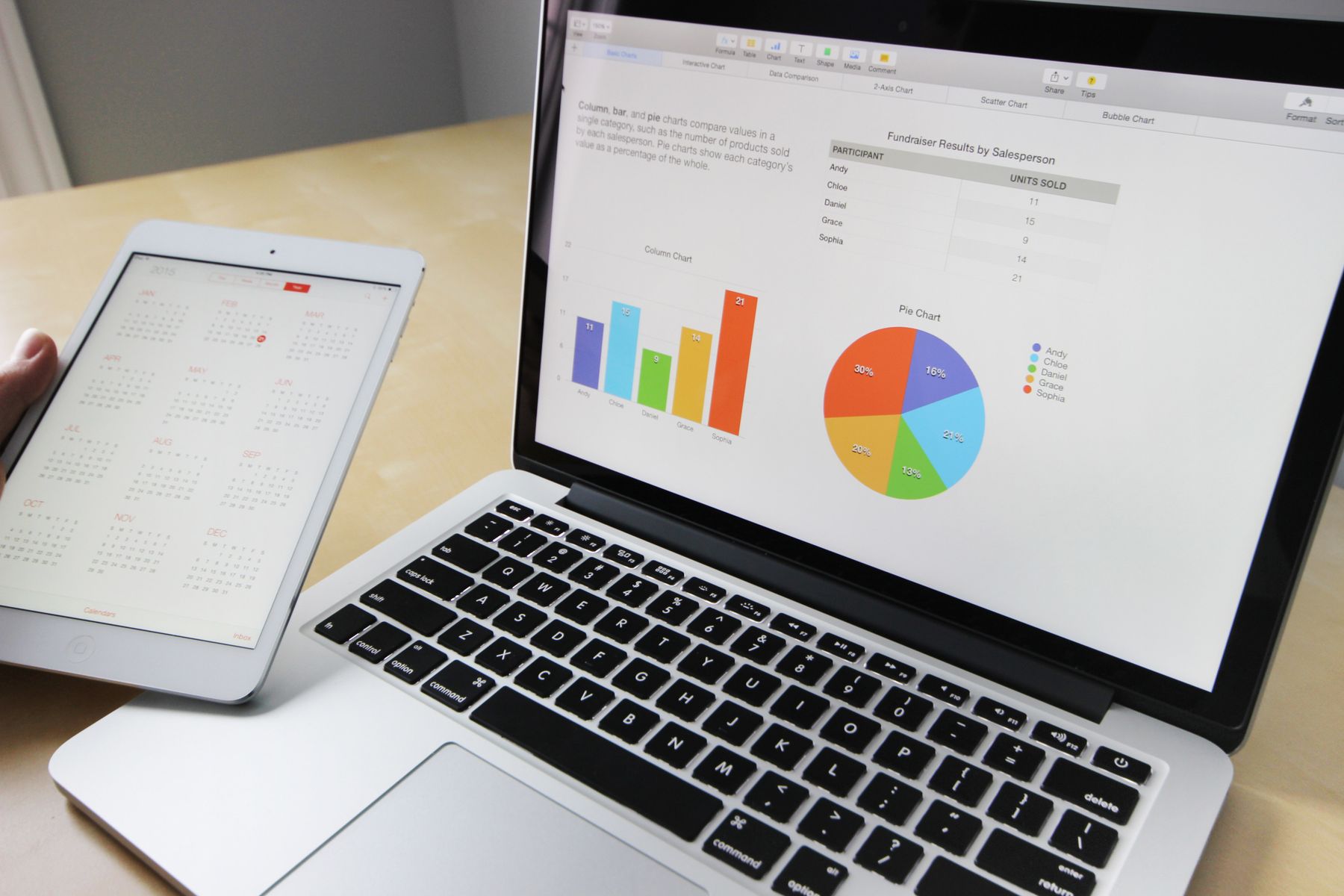
Manager reviewing charts and reports at a desk, with a laptop open beside them.
Shop, warehouse and courier looking at the same status.
Team reviewing automation dashboards and connected systems on office screens.
The week, checked from the screens the floor already uses.
Workshop table with notes and a laptop during process mapping.
The flow of an order, on paper before the pipeline.
Purple field used for the Kallix warehouse synchronization story.

KallixLogistics software / 2026

Three choices in the pipeline

Three choices that made the difference.

  1. One event for the order

    When an order changes, the warehouse and the courier see the same event. Status is not copied between systems.

  2. The same path on a busy day

    A quiet Tuesday and a campaign week use the same pipeline. Volume does not open a second, manual route.

  3. Exceptions stay visible

    The normal order runs through. The one that does not fit stays on a screen a person can act on.

Delivered

  • One pipeline for the order
  • Stock on the same event
  • Courier status without retyping
  • A screen for the exception

( New project )

Let's build the system around your work.

Start a project, or call. You know the week. We take the build.